

On site
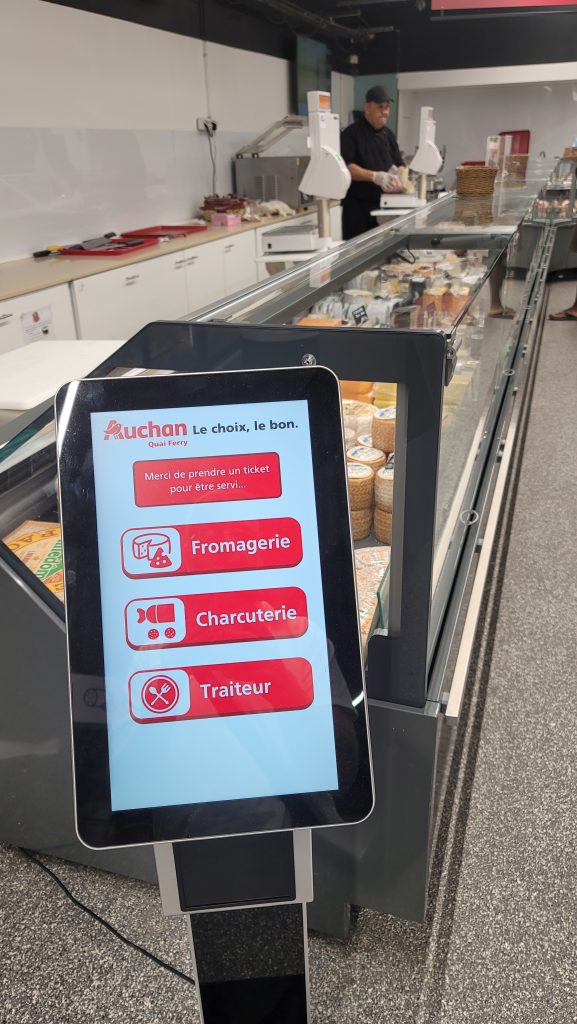
Ticket kiosk
Visitors choose their service and get their number as soon as they arrive.
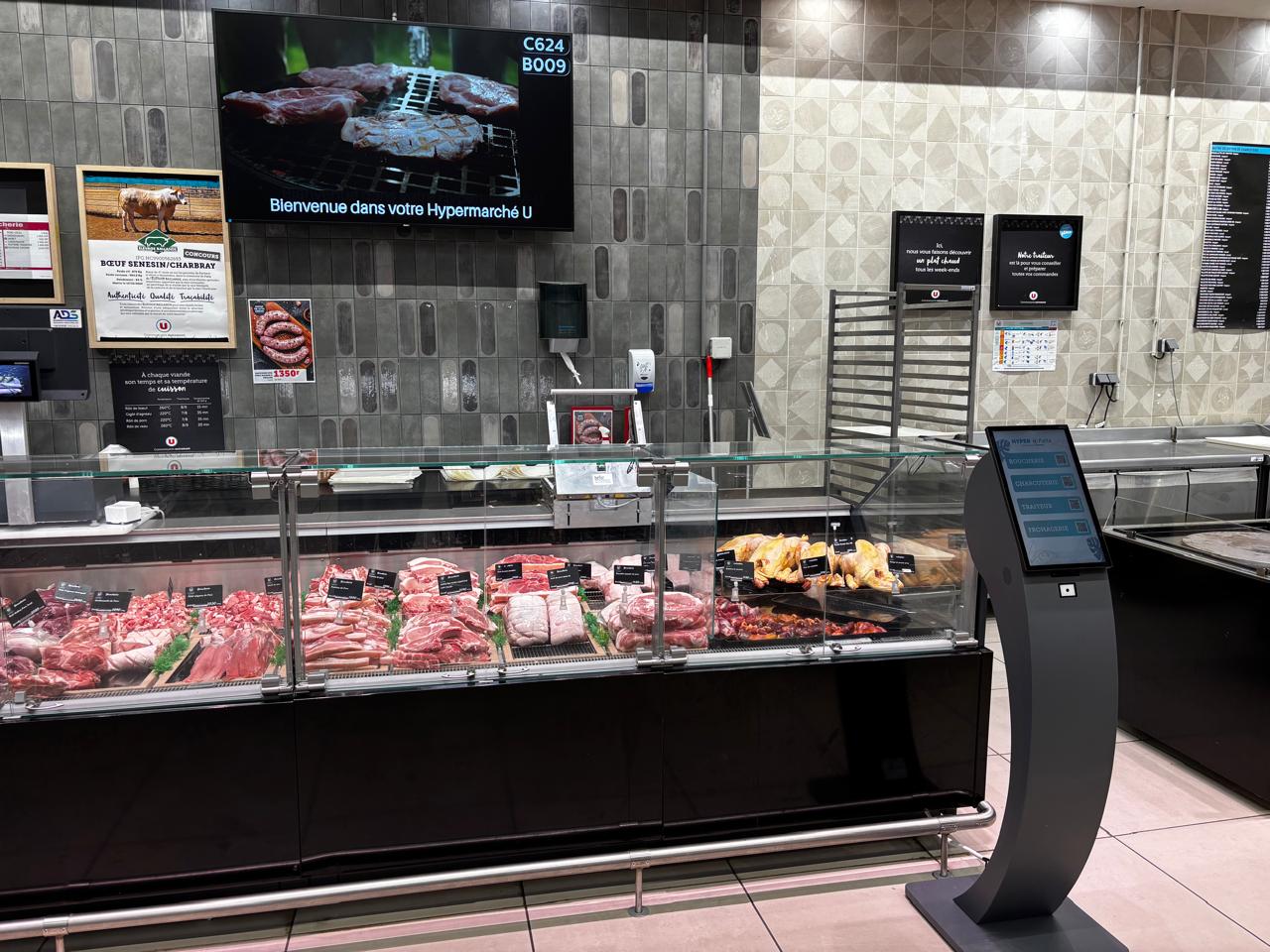
Organize the wait, call each customer at the right time and direct them to the right counter. VisualCom designs, installs and maintains your queue management system in New Caledonia.
From taking a ticket to being called to the counter, every piece of equipment plays a role in a simple journey for your visitors and your teams.
Visitors choose their service and get their number as soon as they arrive.
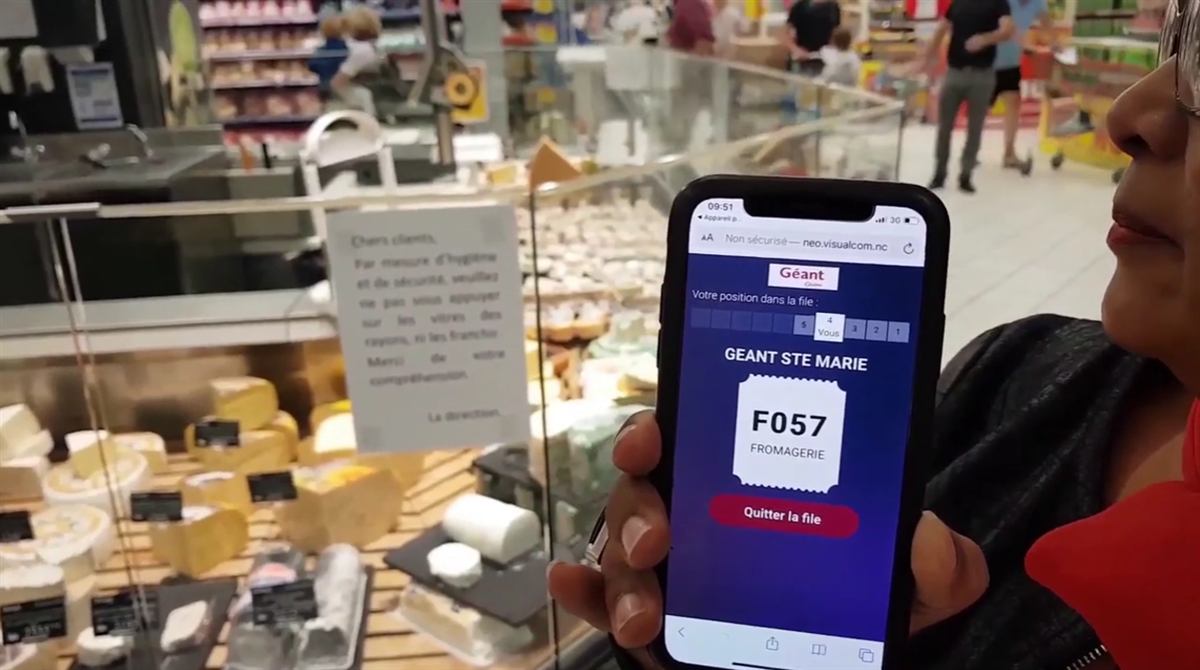
Visitors scan a QR code or open a dedicated link to take their place directly from their phone and track their position in the queue.
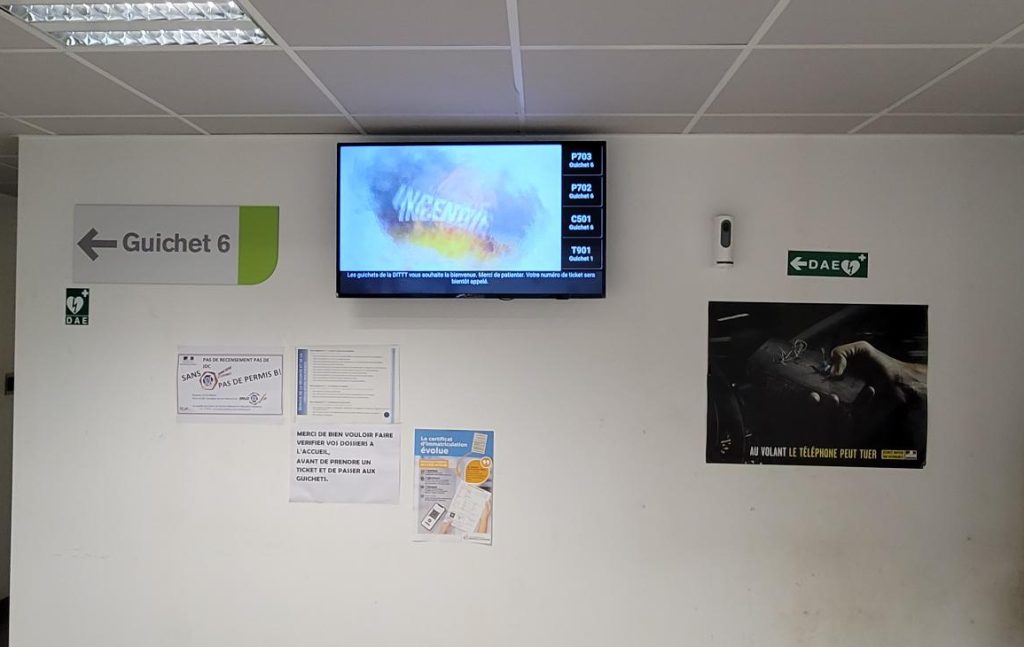
Called numbers and the corresponding counter or till are clearly displayed in the waiting area.
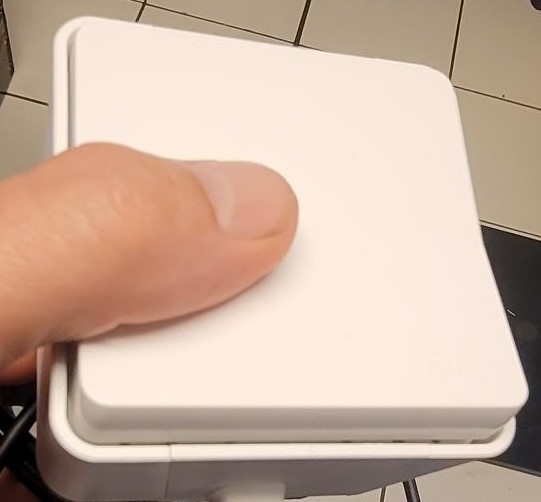
From their workstation, the agent simply calls the next customer.
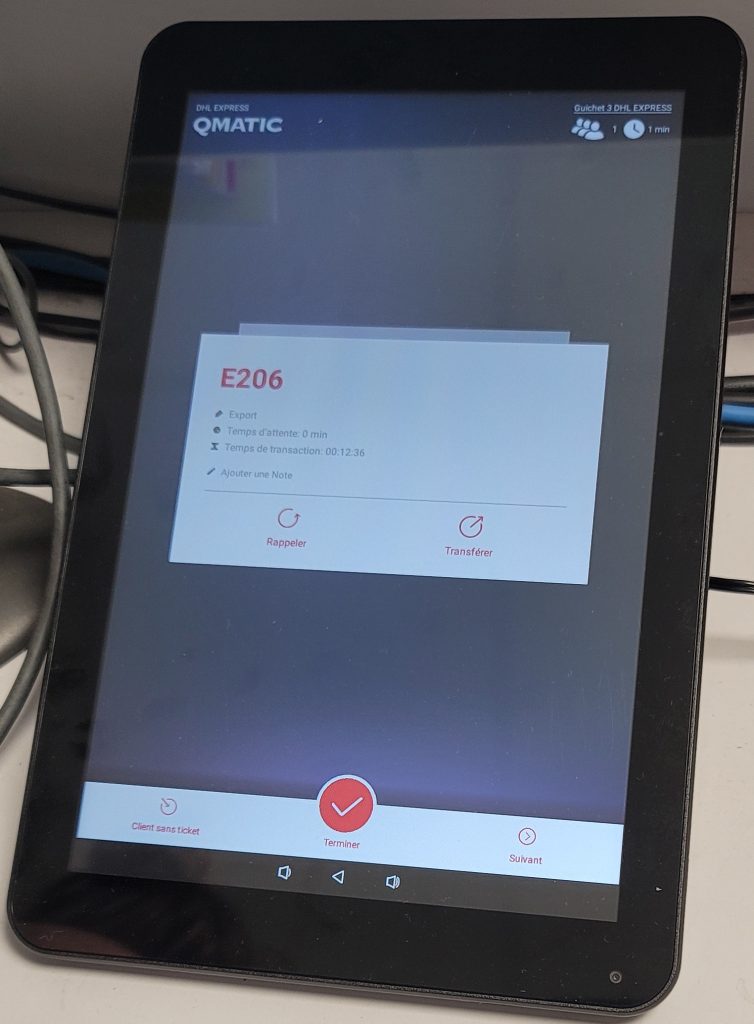
A dedicated touch interface lets teams call, recall and manage the queue directly from their workstation.
Visitors can take their place at a kiosk or from their phone. The team then manages the calls, and the screen simply shows where to go.
I take my ticket at the kiosk
I scan a QR code or open a link
I'm in the queue
The agent calls me
My number and counter are displayed
I go to the right reception point
Try it out just like from a reception desk.
Counter 03
A023
Please come forward
Behind the kiosk, mobile ticket, call buttons, tablets and displays, Qmatic Orchestra orchestrates the queue in real time.
Define services, priorities and call rules.
Each agent manages their calls from their button or tablet.
Analyze wait times, footfall and activity across your reception points.
Integrate expected visitors into the reception journey.
Let visitors take their place and track their wait from their phone.
Qmatic Orchestra
VisualCom supplies the hardware, integrates Qmatic, installs the solution, supports your teams and provides local maintenance.

Every photo is an installation done on site, not a stock image.
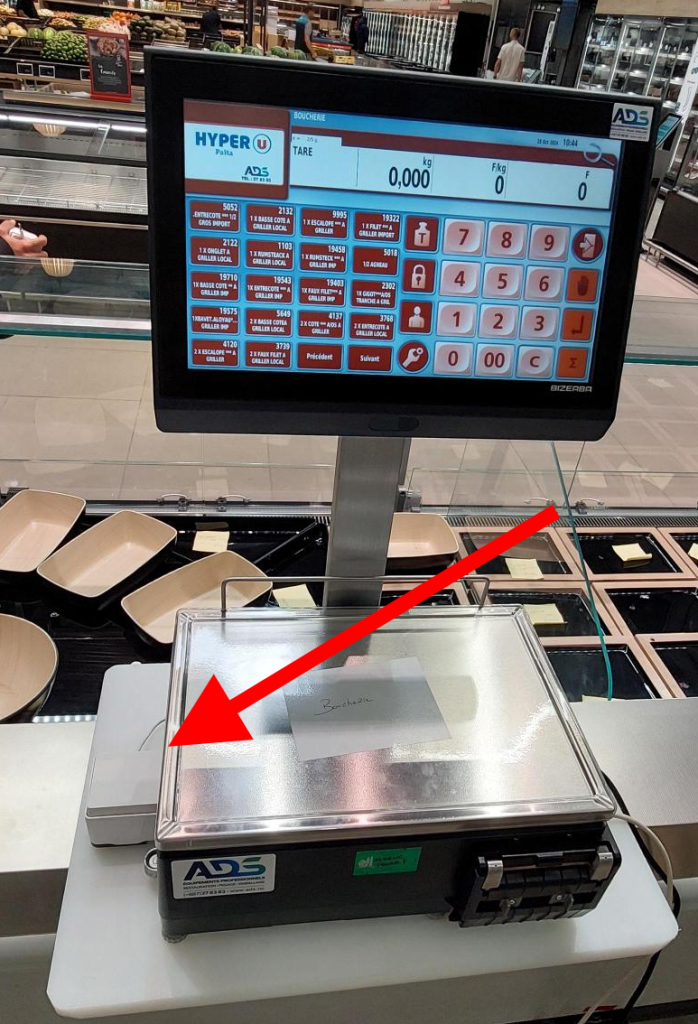
In the ever-changing world of retail, innovation is key to improving efficiency and customer satisfaction. For seven years, we have been relentlessly searching for the best way to improve the process of calling the next customer for fresh-produce department staff. This innovation journey led us to create our ultimate solution: the Wi-Fi button.
January 17 marks the start of Qmatic Orchestra's use by DITTT staff. This launch went smoothly thanks to the support of the DINUM teams!
“Thanks to VisualCom's ticketing system, managing the wait is much smoother and more organized. Less stress for our customers and our teams! A simple solution that truly improves the customer experience!”
Orchestra is Qmatic's queue management solution for organizations with multiple reception points: ticketing, calling, counters, statistics. VisualCom is its representative in New Caledonia.
No. If your space allows it, the mobile ticket (QR code or dedicated link) can replace the physical kiosk. Many reception areas still keep the kiosk, though, for visitors who prefer to take a ticket on site.
No. The mobile ticket works directly from the phone's browser via a QR code or dedicated link. Visitors take their place, track their position in the queue and come forward at the right time.
From their workstation, the agent triggers the call for the next customer using a physical call button or a 10-inch touch tablet. The number and corresponding counter then appear on the call display.
Yes. The 10-inch call tablet has the same functions as the call button (call, recall) and also lets you manage the queue directly from the touch screen. The choice depends on how your reception desk is used.
Yes. VisualCom provides training on delivery day, technical support in Nouméa and maintenance contracts: you won't be redirected to a European call center for a display that stops calling numbers.
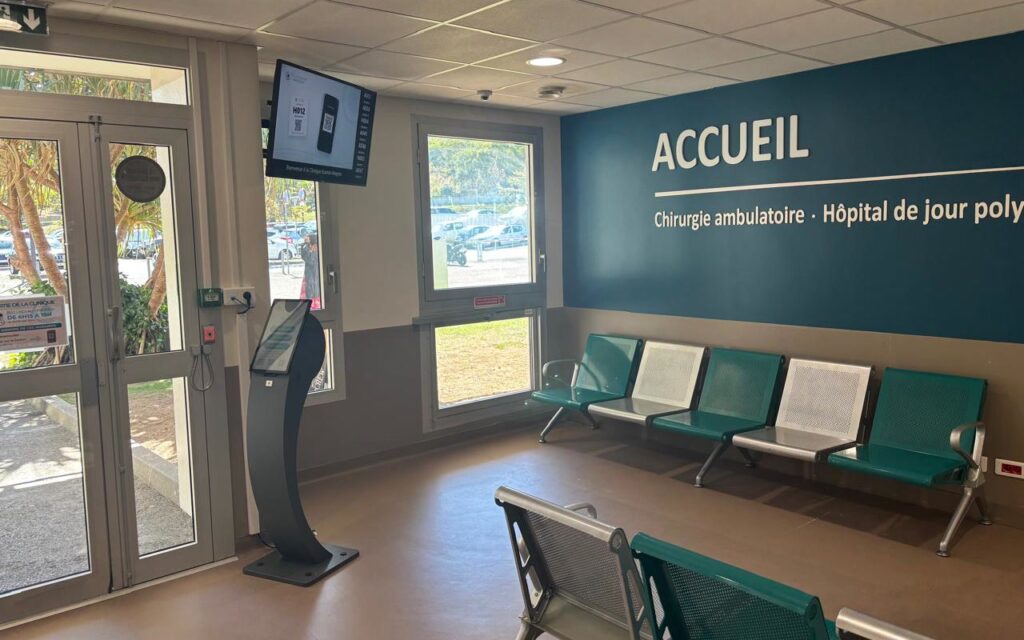
The Kuindo-Magnin Clinic in Nouméa organises patient reception with a Voyager ticket kiosk designed by VisualCom, a 43-inch Philips screen for voice…
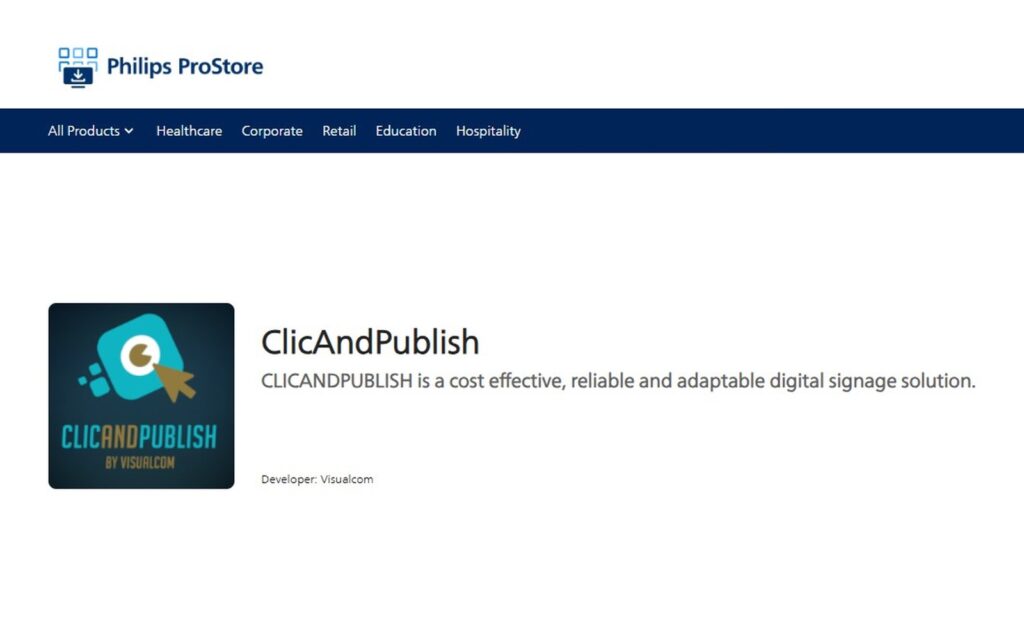
ClicAndPublish, VisualCom’s digital signage solution, is now listed on the Philips ProStore. Install the app on your professional Philips display from Wave,…
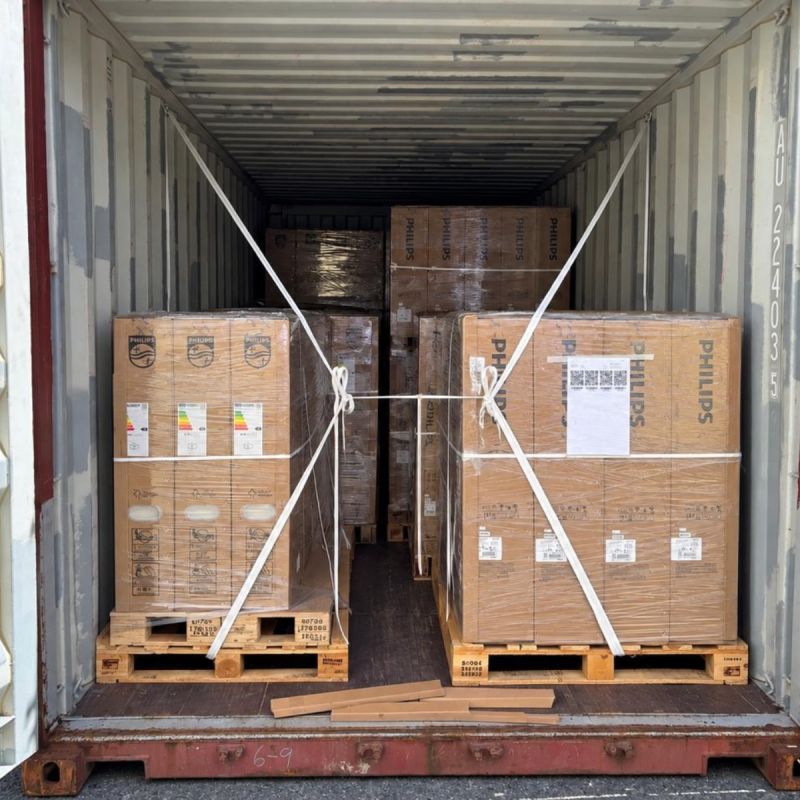
A 20-foot container of professional Philips displays received by VisualCom: 20 55″ X-line displays delivered to the Civil Defense Service for the…
 NC Tourisme
 Congrès de la N.-C.
 TotalEnergies
 McDonald's NC
 Enercal
 Casino de Nouméa
 Lagoon
 Centrakor
 Claro Opticien
 Camille Albane
 DSCGR
DSCGR
 Vill'Âge Jeunes
 Mairie du Mont-Dore
 Tencom
 CPH
CPH
 Point Pub
 Quintessence
Describe the location, the audience and the message. We'll visit your site and suggest the setup that fits your budget.