

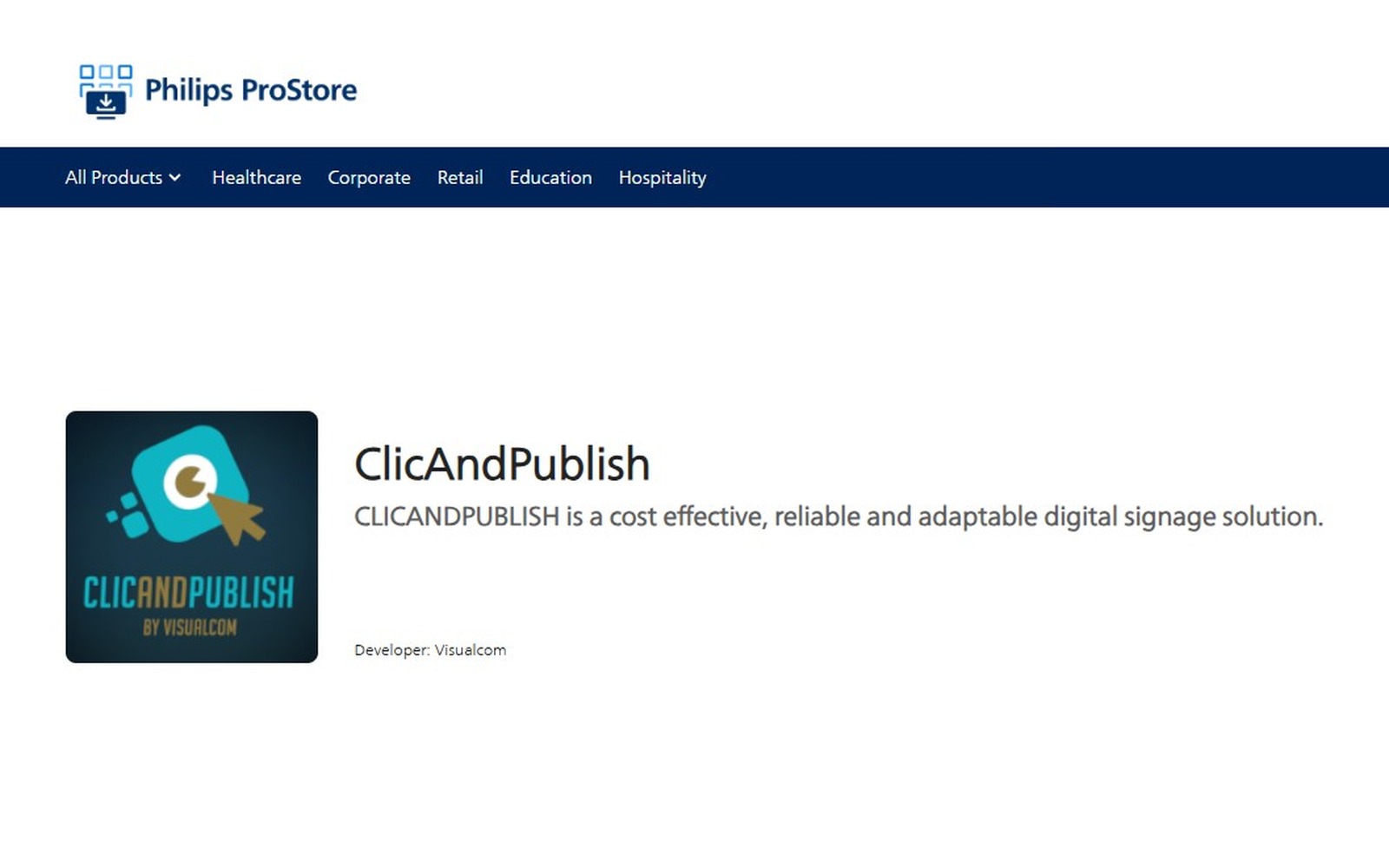
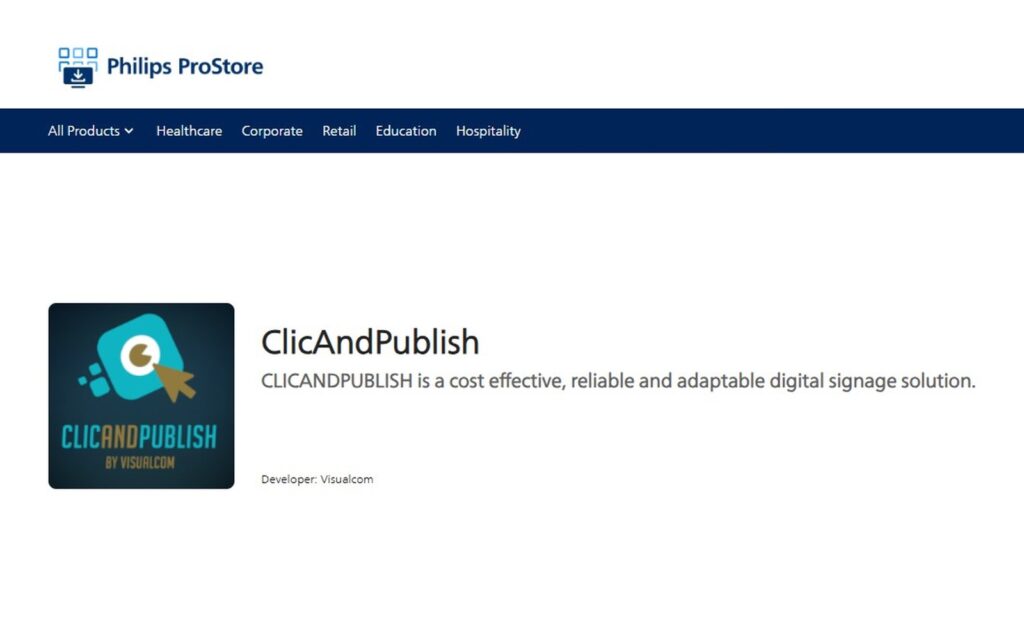
ClicAndPublish is now available on the Philips ProStore
ClicAndPublish, the digital signage solution developed by VisualCom in Nouméa, is now listed on the Philips ProStore, the official app store for professional Philips displays. The app installs directly on the display from Wave, the display pairs remotely on cappilote.com, and a 15-day free trial lets you test everything.
displays managed by ClicAndPublish in New Caledonia and French Polynesia
Downloaded from the ProStore, the app installs directly on the Philips display. No external media player needed
Remote pairing from the cappilote.com platform
free for 15 days, to publish your content and explore the Cappilote interface
An app officially listed by Philips
The Philips ProStore brings together the apps approved to run on professional Philips displays. ClicAndPublish is now one of them, with VisualCom as its developer.
It recognizes years of work by our team in Nouméa: ClicAndPublish already manages content on more than 500 displays across New Caledonia and French Polynesia, in shops, service stations, public institutions and restaurants. Discover all our digital signage solutions in New Caledonia.
ClicAndPublish has come a long way since its early days: the solution now runs on CapDisplay and Cappilote. Discover the story on clicandpublish.com.
How to install ClicAndPublish on a Philips display
No external media player or USB stick needed: the app runs directly on the Android SoC of your professional Philips display. Three steps are all it takes:
• From Wave, Philips’ cloud display management platform, install ClicAndPublish on your display via the Philips ProStore
• Pair the display remotely from your account on cappilote.com
• Publish your first content: your display is live

A 15-day free trial to discover Cappilote
Once your display is paired, enjoy a 15-day free trial to publish your content and explore the Cappilote interface, our content management platform (cappilote.com). You test ClicAndPublish on your own display, in the real conditions of your store, reception area or meeting room, before you commit.
A new ClicAndPublish story every week
This post kicks off a series: every week, we will showcase a ClicAndPublish feature or piece of news. Next week, discover the list of Philips display models already validated with CapDisplay, followed by how to add your display to your Cappilote account, with a video guide.
In the meantime, you can train for free on our ClicAndPublish e-learning platform.
FAQ about ClicAndPublish and the Philips ProStore
What is ClicAndPublish?
ClicAndPublish is a digital signage solution developed by VisualCom, a company based in Nouméa, New Caledonia. It lets you create, schedule and play content on professional displays, and already manages more than 500 displays across New Caledonia and French Polynesia.
What is the Philips ProStore?
The Philips ProStore is the official app store for professional Philips displays, run by PPDS (Philips Professional Display Solutions). It lists compatible apps that can be installed directly on the displays.
How do I install ClicAndPublish on a Philips display?
From Wave, Philips’ cloud display management platform, install ClicAndPublish on your display via the Philips ProStore. Then pair the display remotely from your account on cappilote.com. The app runs directly on the display’s Android SoC: no external media player is needed.
What is Cappilote?
Cappilote is VisualCom’s online platform, available at cappilote.com, used to pair displays remotely and then manage and schedule the content played with ClicAndPublish.
Can I try ClicAndPublish for free?
Yes. A 15-day free trial lets you publish content on your Philips display and explore the Cappilote interface, ClicAndPublish’s content management platform (cappilote.com).
Which Philips displays are compatible with ClicAndPublish?
VisualCom will soon publish the list of professional Philips display models validated with CapDisplay. In the meantime, contact VisualCom on +687 27 22 84 to check your display’s compatibility.
Who should I contact to set up ClicAndPublish in New Caledonia?
VisualCom, 8 rue du Dr Jean Richard in Nouméa, provides installation, training and local support. Phone: +687 27 22 84, email: [email protected].
Do you have a professional Philips display?
Our team can help you install ClicAndPublish and get your first content on screen. Contact VisualCom on 27 22 84.